Anti-Detect Browser for Multi-Accounting on Facebook/Instagram

 Sign Up
 Download


SharkLogin is a fingerprint browser designed for cross-border e-commerce and multi-account management. Unlike standard browsers, it offers free use with advanced features such as environment isolation, multiple fingerprints, and anti-association protection. It helps sellers, marketers, and agencies securely build and grow accounts across different platforms without risks of bans. With strong market adoption and positive reviews, SharkLogin is trusted by users worldwide to handle multiple accounts, manage diverse environments, and ensure safe and efficient online operations.
Managing multiple social media accounts on platforms like Facebook and Instagram is par for the course for marketers, influencers, and businesses these days. But as browser fingerprinting technology gets smarter, running several accounts from the same device has become a risky move—platforms use these unique browser/device markers to link accounts, which can lead to bans, restrictions, or full suspensions.
In this post, we'll break down how an anti-detect browser (like Incogniton Anti Detect Browser) solves this problem: it lets social media operators handle multiple Facebook/Instagram accounts securely, all while staying under the radar of platform detection systems.
-compressed-kch1r71767495204552.png)
I. What is an Anti-Detect Browser?
An anti-detect browser is a specialized tool built to hide or alter the unique digital fingerprints that websites (including social platforms) use to pinpoint individual users. By tweaking data like screen resolution, operating system details, and installed fonts, it keeps your true identity hidden from sites.
For anyone doing multi-accounting on Facebook or Instagram, this tool is a game-changer: it prevents platforms from linking your accounts via fingerprinting, keeps your personal info safe, and dodges the bans that come with “suspicious” cross-account activity.
II. Why Social Media Operators Need an Anti-Detect Browser
1. Avoid Account Linking
When you run multiple Facebook/Instagram accounts from one device, platforms use fingerprinting to connect the dots. If they spot shared fingerprint data across accounts, they'll flag it as potential fraud. An anti-detect browser for multi-accounting isolates each account in its own environment, so platforms can't link them together.
2. Maintain Privacy and Security
Social media operators often use separate accounts for different clients or campaigns—and keeping these accounts fully distinct is non-negotiable to avoid privacy leaks. Anti-detect browsers mask your browsing activity, so each account runs independently and securely, with no cross-contamination of data.
3. Bypass Detection Systems
Facebook and Instagram are constantly updating their detection algorithms to catch “suspicious” behavior. Tools like Incogniton Anti Detect Browser help operators stay ahead: they let you run multiple accounts without triggering platform flags, so you can focus on your work instead of worrying about account safety.
III. Key Features of Anti-Detect Browsers for Facebook/Instagram Operators
1. Unique Browser Profiles for Each Account
An anti-detect browser lets you create a dedicated profile for every Facebook/Instagram account. Each profile has its own virtual environment, so platforms can't spot shared data or link accounts via matching fingerprints.
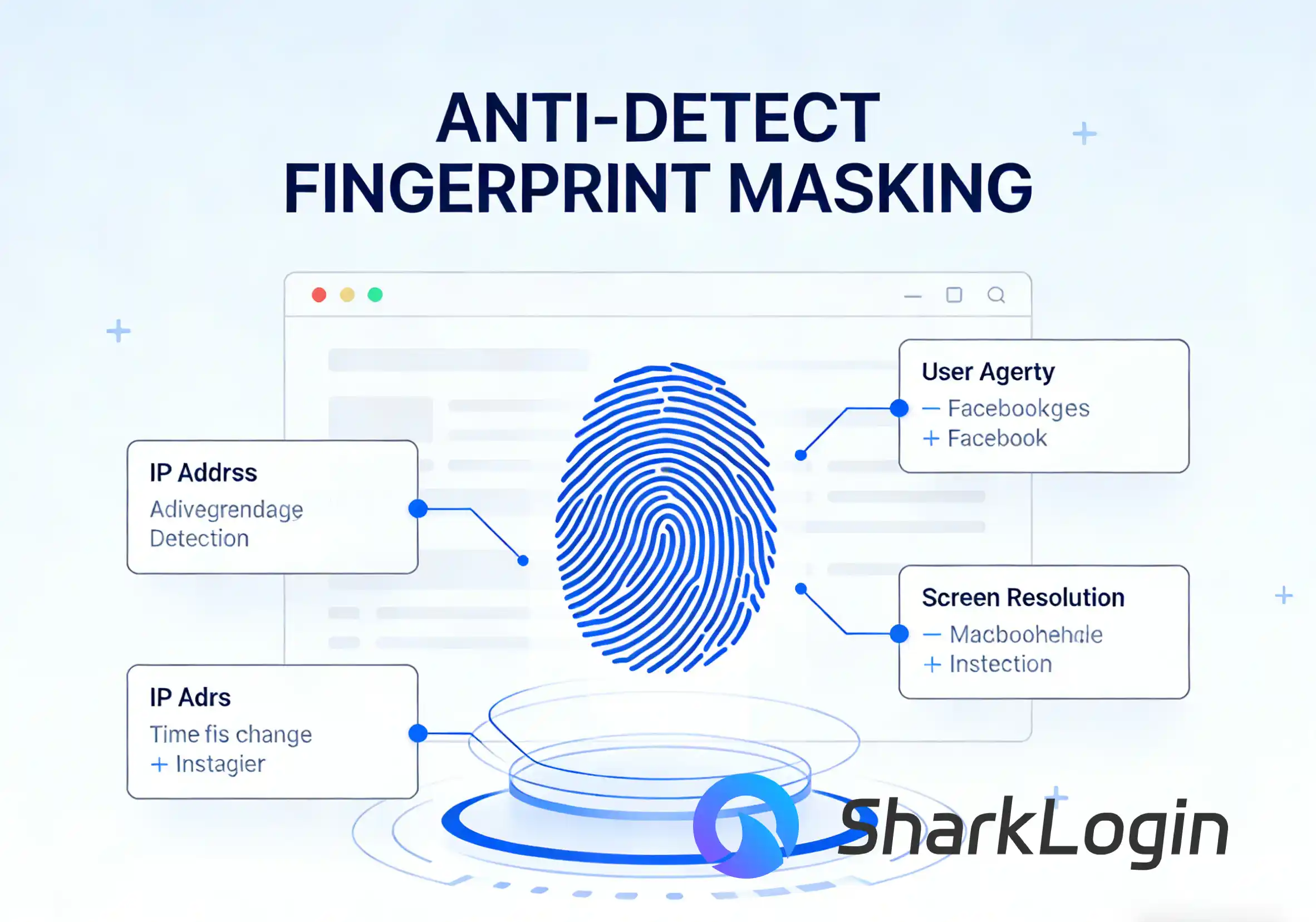
2. Fingerprint Masking
Top-tier anti-detect browsers let you mask core fingerprint details: user agent, screen resolution, IP address, and more. This makes it look like each account is accessed from a different device/location, so platforms won't flag your activity as suspicious.
3. Cookie and Cache Isolation
By locking cookies and cache to individual accounts, anti-detect browsers ensure one account's data never bleeds into another. This kills cross-account tracking—one of the main ways platforms link accounts and issue bans.
4. IP Rotation and Proxy Integration
For extra anonymity, most anti-detect browsers work with proxies and let you rotate IPs per account. This makes each account appear to be accessed from a unique location, slashing the chance of Facebook/Instagram's security systems catching on.
-compressed-svdxyj1767495211268.png)
IV. How to Use an Anti-Detect Browser Effectively
Step 1: Create Individual Profiles for Each Account
Start by making a separate browser profile for every Facebook/Instagram account. Each profile needs its own unique fingerprint and proxy settings to stay isolated.
Step 2: Rotate IP Addresses
Pair each account with a distinct proxy to rotate IPs—this mimics activity from different devices/locations, so platforms can't link your accounts via IP data.
Step 3: Regularly Clear Cookies and Cache
Even with isolation, clear each account's cookies and cache regularly. This prevents leftover data from becoming a link between accounts.
Step 4: Avoid Duplicate Actions
Skip identical behaviors (like liking the same posts or using copy-pasted comments) across accounts—platforms flag this as suspicious, even with an anti-detect browser.
V. Conclusion
For social media operators doing multi-accounting on Facebook/Instagram, an anti-detect browser isn't just a convenience—it's an essential tool to keep accounts safe. With features like fingerprint masking, IP rotation, and cookie isolation, you can scale your operations without fearing bans or restrictions.
Whether you're a marketer, agency, or influencer, tools like Incogniton Anti Detect Browser give you the privacy and security to grow your online presence—all while staying one step ahead of platform detection algorithms.


Sharklogin
Author

 Browser Fingerprinting

Amazon Seller Accounts
Browser Fingerprinting
 3-day free trial
Full features unlocked
No credit card needed
3-day free trial
Full features unlocked
No credit card needed
Key features
I. What is an Anti-Detect Browser?
II. Why Social Media Operators Need an Anti-Detect Browser
III. Key Features of Anti-Detect Browsers for Facebook/Instagram Operators
IV. How to Use an Anti-Detect Browser Effectively
V. Conclusion
Browser Fingerprinting
Amazon Seller Accounts
Browser Fingerprinting