Amazon Sellers' Guide to Avoid Account Linking with Anti-Detect Browser


 Sign Up
 Download


SharkLogin is a fingerprint browser designed for cross-border e-commerce and multi-account management. Unlike standard browsers, it offers free use with advanced features such as environment isolation, multiple fingerprints, and anti-association protection. It helps sellers, marketers, and agencies securely build and grow accounts across different platforms without risks of bans. With strong market adoption and positive reviews, SharkLogin is trusted by users worldwide to handle multiple accounts, manage diverse environments, and ensure safe and efficient online operations.
For Amazon sellers (and those managing multiple accounts on independent e-commerce sites), running several stores often feels like walking a tightrope—platforms like Amazon have strict rules around account linking, and missteps can derail your business. A anti-detect browser is a game-changing tool here: it lets sellers manage multiple stores safely, keeping their businesses protected from unwanted account associations or sudden platform bans.In this guide, we'll break down how anti-detect browsers help Amazon sellers dodge account linking, secure their stores, and keep operations running smoothly.
-compressed-edzq371767494493868.png)
I. Why Anti-Detect Browsers are Crucial for E-Commerce Sellers
Amazon and other major e-commerce platforms rely on sharp, sophisticated systems to spot account links and suspicious activity. For sellers juggling multiple accounts, this means one small oversight could lead to account bans—even permanent suspensions that wipe out months of work.
A anti-detect browser solves this by providing a secure way to run multiple accounts without triggering platform detection. These tools create fully isolated environments for each store, mask unique browser fingerprints, and even rotate IP addresses, cutting the risk of account association dramatically.
II. How Anti-Detect Browsers Help E-Commerce Sellers
1. Enhanced Fingerprint Spoofing Algorithms
Anti-detect browsers leverage cutting-edge fingerprint spoofing algorithms to disguise your device's unique digital signature. This makes it extremely tough for platforms like Amazon to trace multiple accounts back to the same seller or device.
2. Smart Behavior Pattern Learning
Many anti-detect browsers come with smart behavior pattern learning: they pick up on and mimic the natural actions of a regular user (like browsing speeds or click rhythms), which lowers the chance of triggering Amazon's behavior-based detection systems.
3. Real-Time Detection Alerts
A key perk of many anti-detect browsers is real-time detection alerts: if the tool spots activity that might look suspicious to platforms, it notifies you right away—so you can act fast to safeguard your accounts.
-compressed-5lcmyb1767494500580.png)
III. Best Practices for Amazon Sellers
1. Create Unique Profiles for Each Store
Give every single one of your stores its own dedicated browser profile via your anti-detect browser—this ensures there's zero overlap in digital fingerprints between different accounts.
2. Ensure Geolocation Consistency
Stick to consistent geolocation for each store (e.g., match the proxy location to the region your store targets). This avoids red flags in the platform's tracking systems that come from mismatched locations.
3. Isolate Payment Information
Don't share payment methods or shipping addresses across your accounts—keep these details fully isolated for each store. This removes another common thread platforms use to link multiple accounts.
IV. Conclusion
For Amazon sellers, a anti-detect browser isn't just a handy tool—it's a reliable shield against account linking, store data risks, and platform policy violations. By pairing this tool with the best practices we've covered (like unique profiles and isolated payment details), you can manage multiple accounts smoothly and grow your e-commerce business without constant worry about suspensions.


Sharklogin
Author
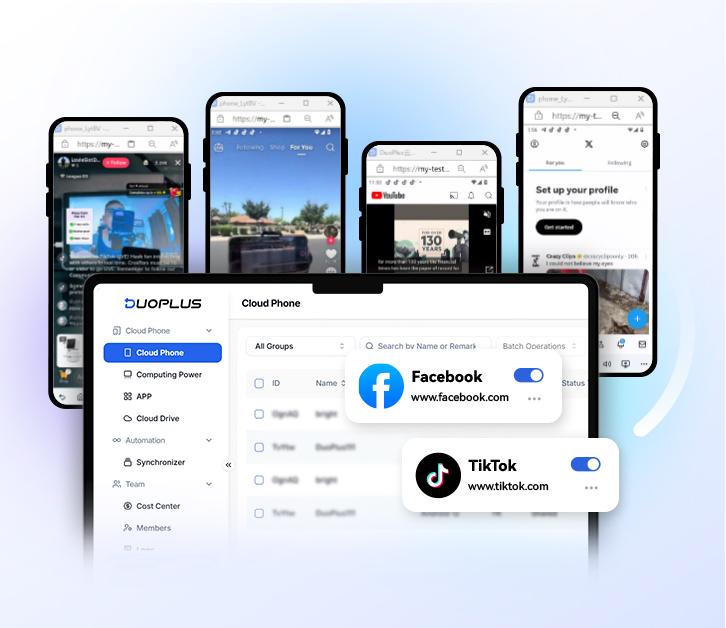
 Multiple Amazon Stores Management
Cross-Border Seller IP Rotation
 3-day free trial
Full features unlocked
No credit card needed
3-day free trial
Full features unlocked
No credit card needed
Key features
I. Why Anti-Detect Browsers are Crucial for E-Commerce Sellers
II. How Anti-Detect Browsers Help E-Commerce Sellers
III. Best Practices for Amazon Sellers
IV. Conclusion
Multiple Amazon Stores Management
Cross-Border Seller IP Rotation